How to navigate the Sphere
This page shows you how to navigate the Sphere on desktop and mobile.
Desktop and mobile
Search
- Enter full or partial keywords in the search box (magnifying glass) to see the list of pages where the keyword is found.
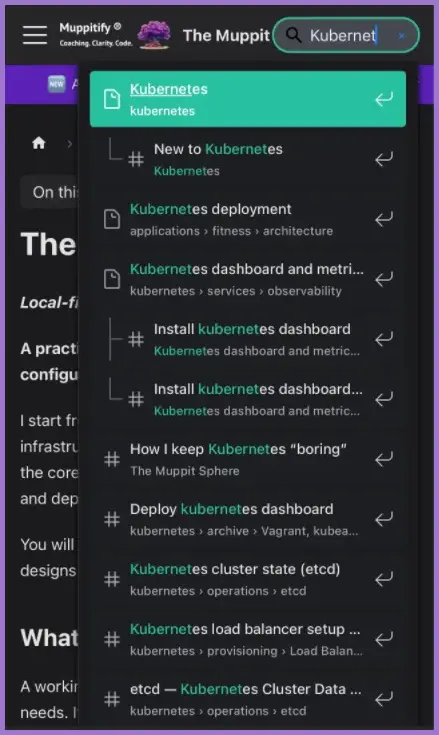
- In this example I have searched for the partial word "Kubernet". Click or tap on any of the search results to go directly to that page.
Desktop
- The sidebar and the table of contents are visible by default.
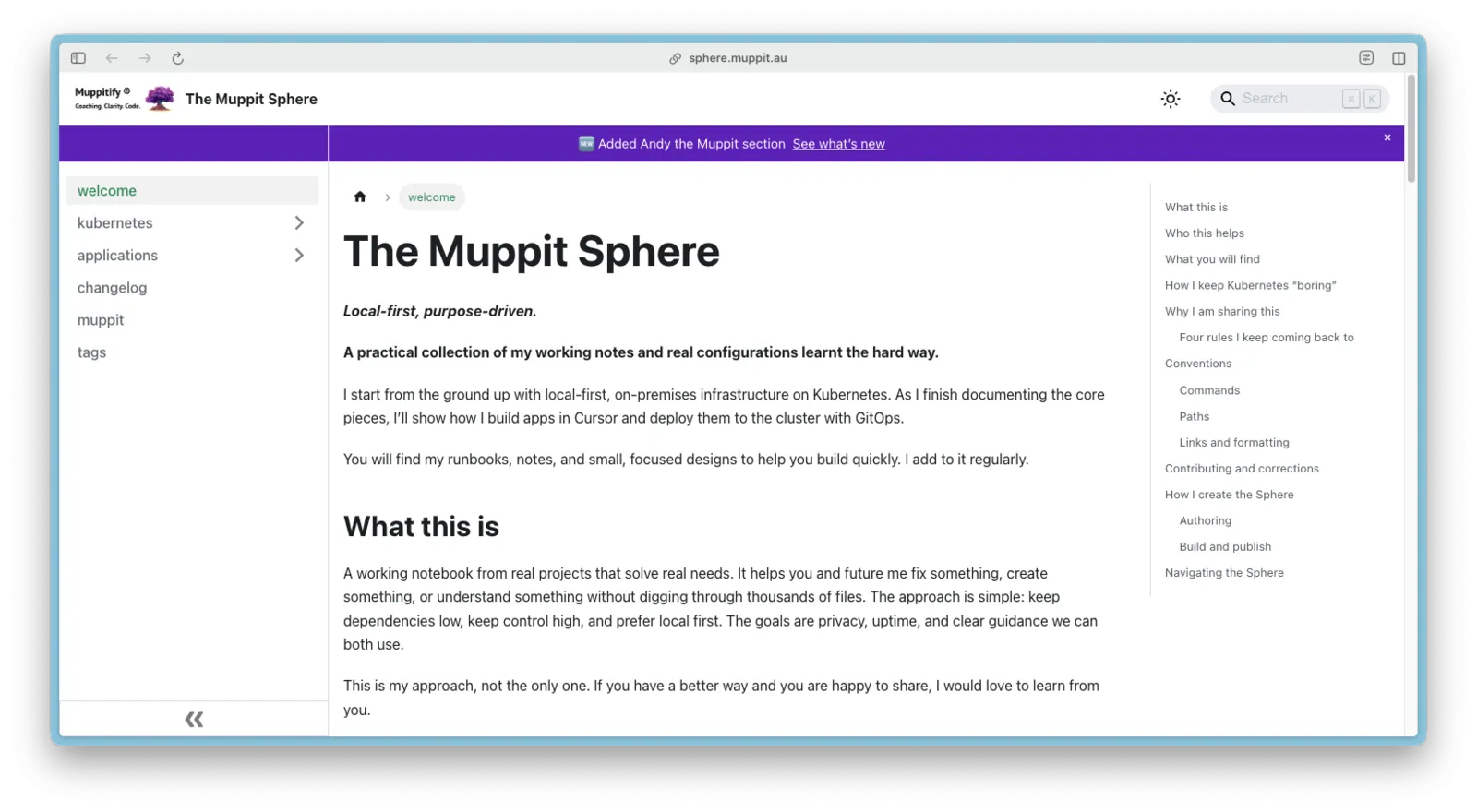
- The sidebar can be minimised by clicking on the double chevrons at the bottom.
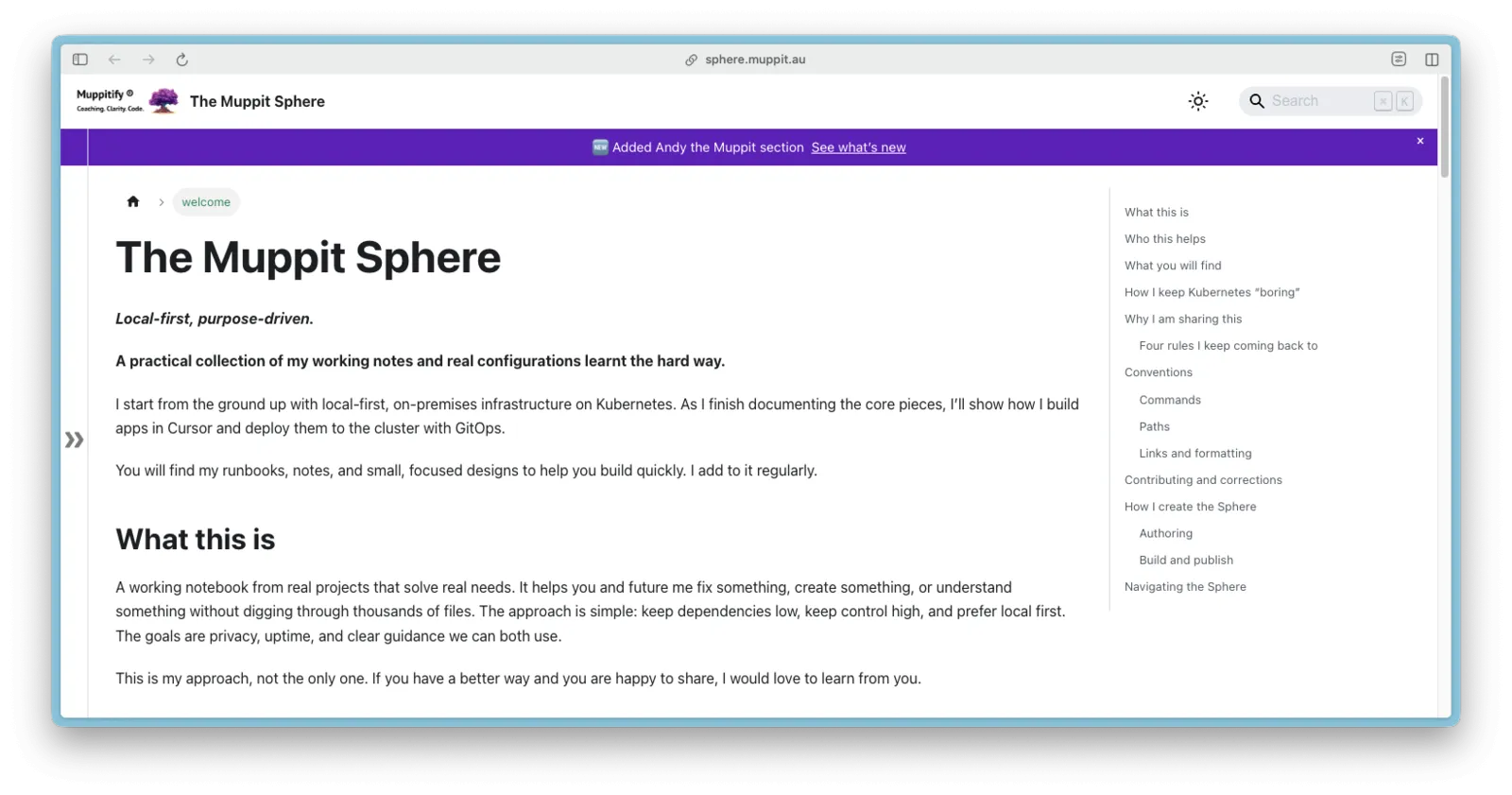
Theme
- The theme can be toggled between light (default) and dark by clicking or tapping on the sun/moon icon.
Mobile and small screens
Sidebar
- Sidebar and the table of contents (TOC) are hidden by default.

- Tap the hamburger (three horizontal lines) to open the sidebar.

- Use the sidebar to expand sections and jump to a specific page.
- Theme: the expanded sidebar displays the sun/moon icon. The theme can be toggled between light (default) and dark by clicking or tapping on the sun/moon icon.
Table of contents
- The TOC is minimised by default. Tap on the "On this page" row to expand it.
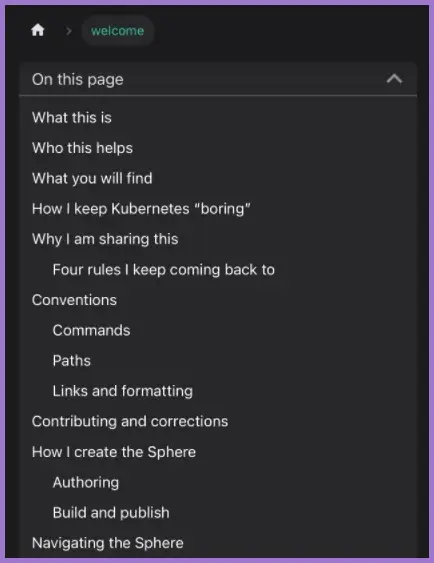
- Use the expanded TOC to navigate to a specific section on the page.