Transcript Prep
Prepare coaching transcripts for AI, supervision, or mentor coaching, with ICF-aligned privacy by default.
Free download for Apple Silicon Macs and Windows. Transcript content is processed locally and never uploaded. No account, no sign-in, no analytics, no crash reporting.
Who it's for
Coaches who use cloud AI tools to analyse session transcripts, send transcripts to a mentor coach for review, or share excerpts in supervision, and who want identifying detail stripped out before the transcript leaves their laptop.
What it does
Four things, one screen.
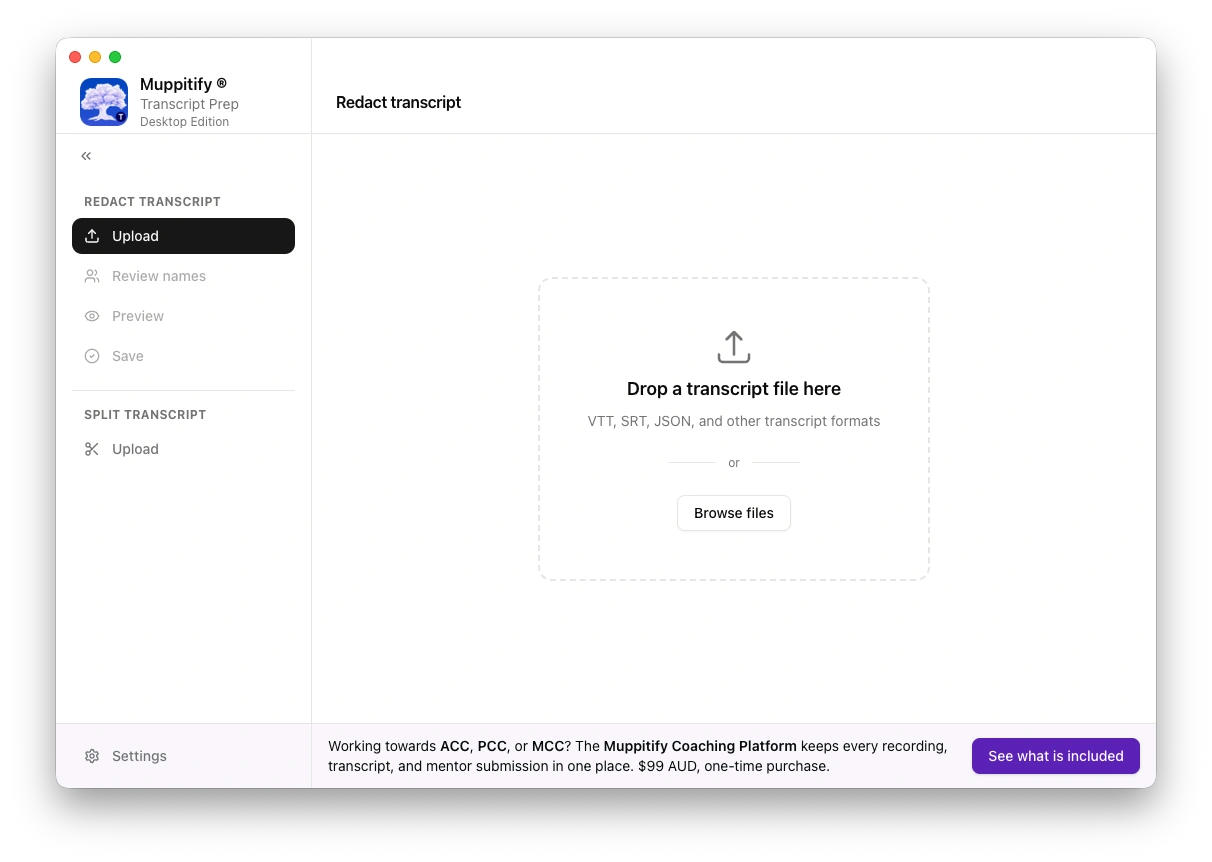
Redact personal information. Names, emails, phone numbers, addresses, company names, and any other identifiers in the transcript get replaced with stable placeholders so context survives and identity does not. Review every suggested redaction before it applies.
Edit in place. A full transcript editor with search, manual redaction, text trimming, and ten steps of undo and redo. Catch misspelled names, drop unrelated small talk, merge speaker lines, add a manual redaction for a detail the detector missed.
Split a transcript. Break a long recording into two files by picking a split line. The app writes two new files without touching the original, so each half can be redacted separately or handed to different reviewers.
Save and share. Export the cleaned transcript to a file. Hand it to your AI tool, mentor coach, or supervisor with the knowledge that the version they see is the version you chose to share.
Generating ICF-aligned prompts for common review tasks is planned for a later version.
Why it exists
Coaches working toward ACC, PCC, or MCC use AI tools to get a second pair of eyes on their practice. Those tools are useful, and they are also third-party services with their own data policies. The ICF AI guidelines are clear that client identifying detail should not leave the coaching relationship without informed consent, and informed consent covers "this AI tool will see the words your client said alongside their name".
Transcript Prep sits in the middle. Paste the raw transcript in, review the suggested redactions, export the cleaned version, and only then send it anywhere. The tool never uploads transcript content and never keeps a copy after you save.
Read the underlying guidance on the ICF AI guidelines page.
How it works
- Open the app and paste a transcript, or load one from a file.
- The detector scans and highlights every candidate for redaction. You accept, reject, or edit each one.
- Trim, re-order, or manually redact anything else, with ten steps of undo and redo at any point.
- Save the cleaned transcript to disk. The original is left untouched.
Your transcripts stay on your machine. The app's only network traffic is a one-time licence request on first launch and background update checks on every subsequent launch.
Get started
Download for macOS or Windows free of charge. A free licence is generated on first launch, so there is no account, no licence key, or sign-in to manage.
See Downloads for system requirements, beta releases, and installer details.
More
- Features. Everything the app does today.
- Setup. Install and first-run walkthrough.
- Versions. Current version and release history.
- Policies. Privacy and terms.
Related
The Muppitify® Coaching Platform is a paid platform for coaches tracking ICF certification with session management, recording import, AI cross-session analysis, and offline-first data storage. Transcript Prep is a free tool that stands on its own; the coaching platform can help you with the full workflow.
The philosophy behind this tool and everything on this site is described on the Muppitify page.
This application is not affiliated with, endorsed by, or sponsored by the International Coaching Federation (ICF). ICF is a registered trademark of the International Coaching Federation.