MCP Task Server
This summary page explains what the MCP Task Server is and how the different pages fit together.
MCP Task Server series
- MCP Task Server - You are here
- Architecture
- Tools
- Multi-agent coordination
- Project scaffolding
What this is
I had never built an MCP server or published an npm package, and definitely not one with multi-agent coordination. This project changed all of that.
MCP (Model Context Protocol) lets AI tools like Cursor call external servers to extend their capabilities. But there was a gap. Cursor has a memory system that learns your preferences, but MCP tools cannot access it. There is no API, at least not one I could find, and all my memories are locked inside Cursor's internal database with no apparent way to download them all. Which is just fantastic. I had to go through each project's agents and ask it to show me the memories from each conversation.
I needed a way to share context between Cursor and MCP tools. What started as a workaround became a full task management system with 44 tools, multi-agent coordination, project scaffolding, Slack integration, and work stats tracking.
The problem I solved
System overview
| Cursor Memory Limitation | Impact | Solution |
|---|---|---|
| No API access | MCP tools cannot read Cursor's memory database | ~/.cursor/shared-context.json as shared store |
| Isolated per conversation | Memories do not persist across all contexts | Shared file accessible to all MCP servers |
| Unreliable memory creation | Agents cannot always create Cursor memories | Server-managed sequential IDs (1, 2, 3) |
What I built
| Feature | Description |
|---|---|
| 44 MCP tools | Comprehensive task management and coordination |
| Multi-project support | Manage tasks across multiple projects with automatic filtering |
| Shared context | Bridges Cursor's memory gap with ~/.cursor/shared-context.json |
| Multi-agent support | Planner, Worker, and Judge roles with permissions |
| Project scaffolding | Generates 28 template files for new projects |
| Slack integration | 8 tools for notifications, conversations, and user input |
| Work stats | Activity tracking and break recommendations |
| Wellness tracking | Break reminders via cursor rules using session tracking |
| Auto workspace detection | Works globally without per-project configuration |
Quick start
Add to ~/.cursor/mcp.json and npx will download and run the package automatically.
A single global config at ~/.cursor/mcp.json means you do not need to copy MCP configuration into every project's .cursor directory. The server's auto workspace detection handles project paths automatically, so one config works everywhere.
Add to ~/.cursor/mcp.json for all projects:
{
  "mcpServers": {
    "task-server": {
      "command": "npx",
      "args": ["-y", "mcp-task-server"]
    }
  }
}
After adding, reload Cursor: Cmd+Shift+P → "Developer: Reload Window"
Then in any project:
# Initialise project structure
call init_project({ project_name: "my-app" })

# Add your first task
call add_task({ title: "Set up development environment" })

# Get recommended next task
call next_task
The numbers
- 44 tools across 8 categories
- 3 agent roles for multi-agent coordination
- 28 template files generated by project scaffolding
- 8 Slack tools for notifications and conversations
- 4 workspace detection strategies for automatic configuration
- 2 hours from initial idea to first npm publish
Why I built it myself
I keep building my own tools because I trust code I write more than code I download. I know what it does and what data it touches.
When I need a new feature, I add it myself. I do not wait for someone else to approve a pull request or hope the maintainer agrees with my use case. My MCP has every tool I need because I built it for how I work, not how someone else imagined I might.
The combination of Cursor and Claude made this possible. Two hours after the initial idea, I had my first version published on npm. The iteration speed kept momentum strong, and momentum is what gets things finished. I can get a bit carried away though: 14 versions to date.
Source
The package is published on npm:
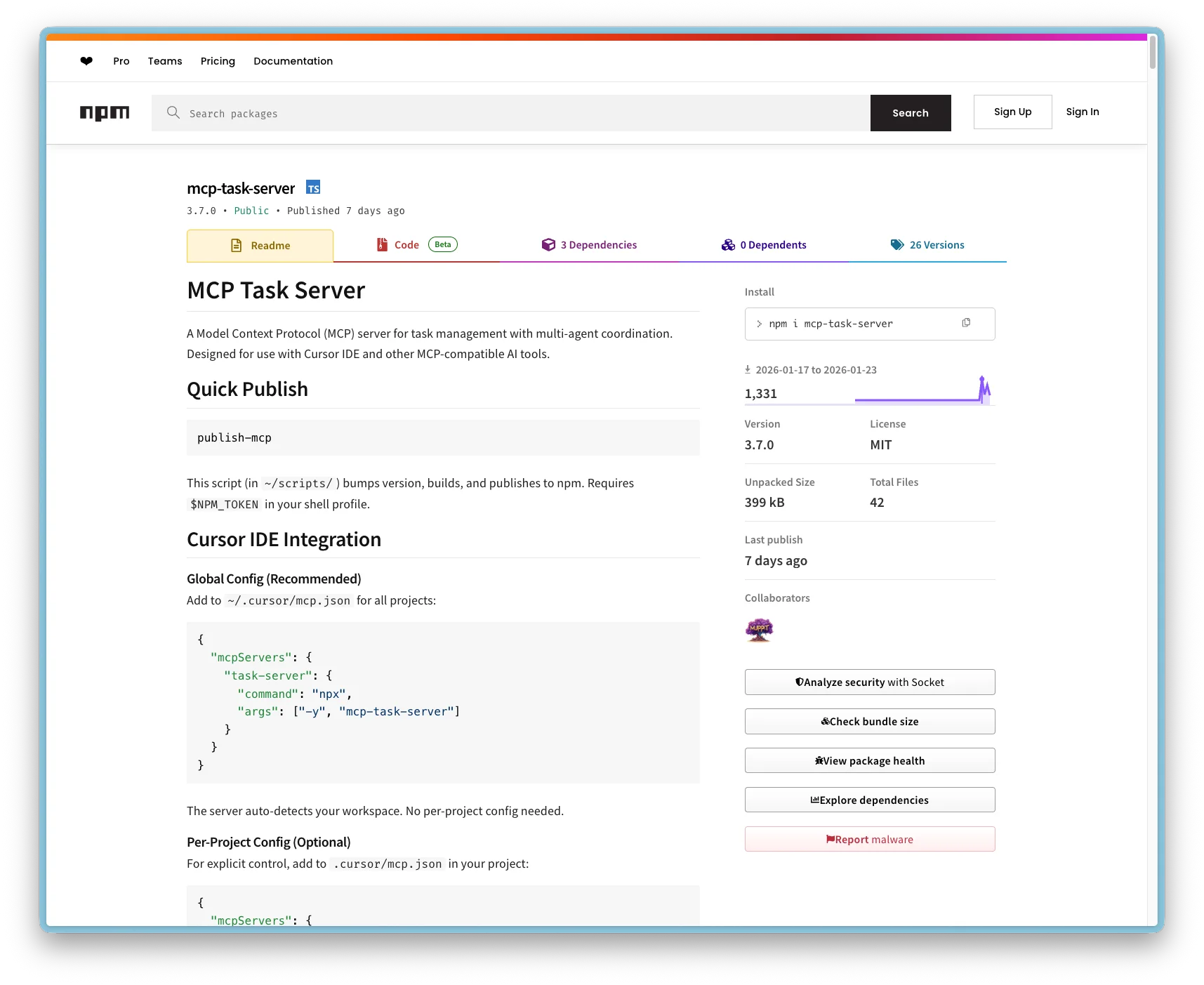
https://www.npmjs.com/package/mcp-task-server
Install globally or use via npx as shown in the quick start.