Set up Obsidian
The Vault Edition works standalone without Obsidian. You can create sessions, manage people, import recordings, and run AI analysis entirely within the coaching platform app. Obsidian is optional, but it opens up powerful ways to explore and extend your coaching data.
Install Obsidian before or after following the Vault Edition setup guide.
Why markdown
The Vault Edition stores every session, person, assessment, and development area as a plain text file. No database sitting between you and your data. No proprietary format that only one application can read.
Every file opens in any text editor on any device. You can read it, search it, copy it, or move it wherever you want without needing any software from me or anyone else.
This matters because coaching data is personal. It contains years of development, reflections from your coaches and mentors, and the record of how you grew. That should not depend on a subscription, a company staying in business, or a database you cannot open yourself.
Your files. Your format. No lock-in.
What Obsidian adds
The Vault Edition stores all coaching data as markdown files with YAML frontmatter. Obsidian reads these files natively, giving you:
- Base views. Pre-built card and table layouts for sessions, people, programmes, and assessments. Click any
.basefile to open it - Graph view. Visual map of relationships between sessions, people, programmes, and peer coaching pairs
- Templates. Create new sessions or people directly from Obsidian using the provided templates
- Direct editing. Open and edit any coaching note in Obsidian. Changes are reflected in the coaching platform within milliseconds
- Search. Full-text search across all your coaching data using Obsidian's search
Install Obsidian
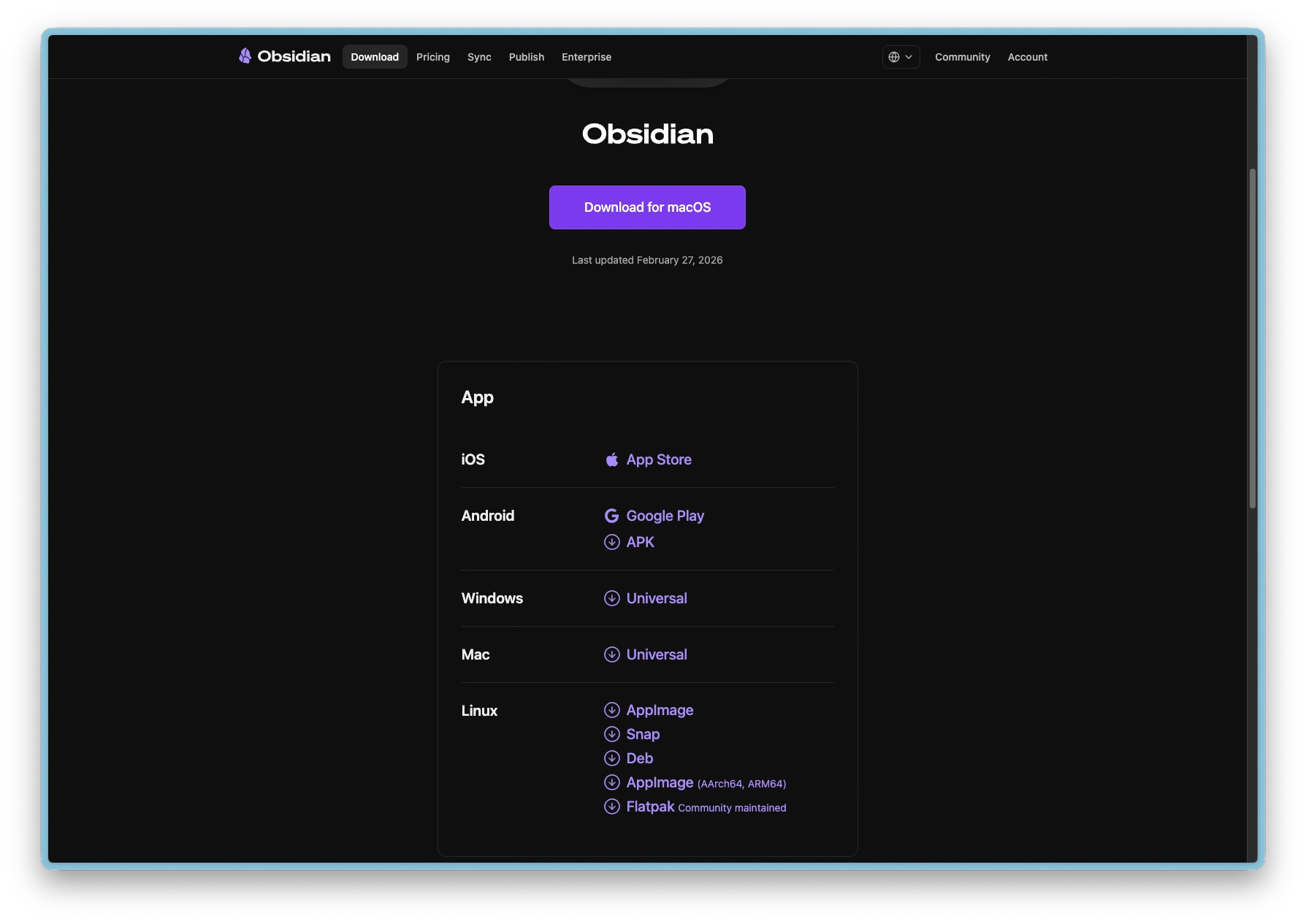
- Download Obsidian from obsidian.md (free for personal use)
- Install and open Obsidian
- Choose Open folder as vault and select the vault folder you configured during Vault Edition setup
If you have not yet set up the Vault Edition, do that first. The setup wizard creates the folder structure and template files that Obsidian uses.
Obsidian Sync
Obsidian Sync works with the Vault Edition. To keep sync fast, store recordings in a separate folder outside the vault (the default option during Vault Edition setup). Recording files are large and syncing them significantly increases vault size and sync time.
If you chose to store recordings inside the vault, consider excluding the recordings folder from Obsidian Sync via Settings > Sync > Excluded folders.
Real-time sync between apps
Changes flow both ways between Obsidian and the coaching platform:
- Edit a session in the coaching platform and Obsidian shows the update immediately
- Edit a session note in Obsidian and the coaching platform reflects the change within ~300ms
- Do not rename entity folders (e.g.,
Sessions/,People/). The coaching platform expects specific folder names - Do not change the
categoriesfield in frontmatter. It identifies the entity type - Do not delete the
idfield. It is the primary key for each entity