Install Docker
The Server Edition runs inside a Docker container. Install Docker before following the Server Edition setup guide.
Windows
Download and install Docker Desktop for Windows.
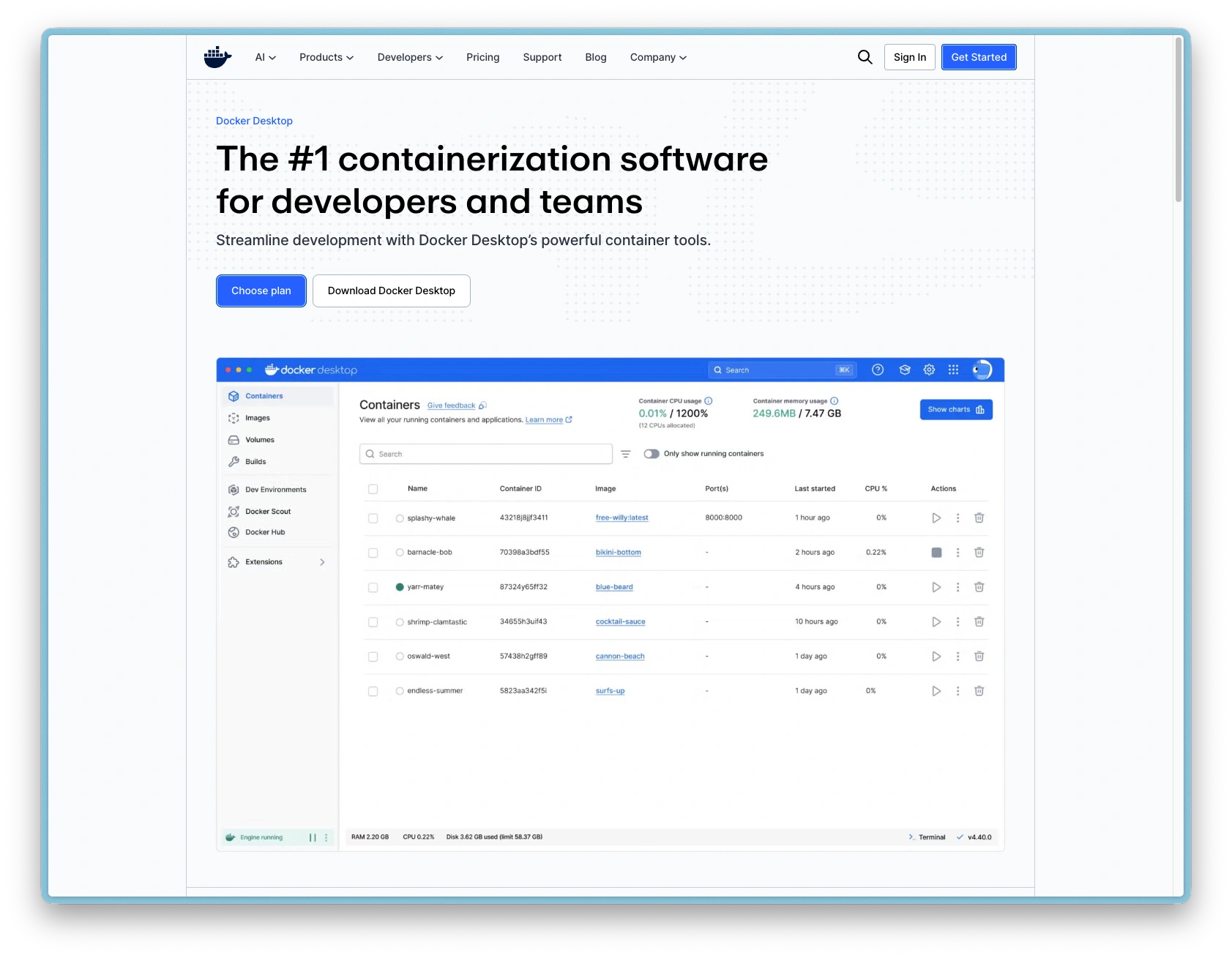
- Requires Windows 10 (build 19045 or later) or Windows 11
- Docker Desktop enables WSL 2 (Windows Subsystem for Linux 2) during installation. If prompted, follow the on-screen instructions to complete the WSL 2 setup
- After installation, open Docker Desktop and wait for it to start (the whale icon appears in the system tray)
- Docker Desktop is free for personal use and small businesses
- A paid subscription is only required once your organisation has 250 or more employees, or US $10 million or more in annual revenue
Linux
Install Docker Engine using your distribution's package manager:
- Ubuntu / Debian: follow the official install guide
- Fedora: follow the official install guide
- Other distributions: see Docker Engine install overview
After installation, add your user to the docker group so you can run Docker without sudo:
sudo usermod -aG docker $USER
Log out and back in for the group change to take effect.
macOS
The Server Edition may run on macOS via Docker Desktop for Mac, but this is tested but not officially supported. Mac users should use the Desktop or Vault editions instead.
Verify installation
Run this command to confirm Docker is working:
docker run --rm hello-world
First time running the hello-world test, Docker will pull it automatically:
Unable to find image 'hello-world:latest' locally
latest: Pulling from library/hello-world
198f93fd5094: Pull complete
Digest: sha256:85404b3c53951c3ff5d40de0972b1bb21fafa2e8daa235355baf44f33db9dbdd
Status: Downloaded newer image for hello-world:latest

Hello from Docker!
This message shows that your installation appears to be working correctly.

To generate this message, Docker took the following steps:
 1. The Docker client contacted the Docker daemon.
 2. The Docker daemon pulled the "hello-world" image from the Docker Hub.
    (arm64v8)
 3. The Docker daemon created a new container from that image which runs the
    executable that produces the output you are currently reading.
 4. The Docker daemon streamed that output to the Docker client, which sent it
    to your terminal.

To try something more ambitious, you can run an Ubuntu container with:
 $ docker run -it ubuntu bash

Share images, automate workflows, and more with a free Docker ID:
 https://hub.docker.com/

For more examples and ideas, visit:
 https://docs.docker.com/get-started/
If you see "Hello from Docker!", you are ready to follow the Server Edition setup guide.