Groq setup
Groq is a cloud AI provider known for extremely fast inference speeds. Rather than training its own models, Groq runs popular open-source models (Llama, Mixtral, Qwen) on custom hardware designed for speed. The coaching platform can connect to Groq's API to analyse your coaching transcripts and generate ICF competency assessments.
You need a Groq account and an API key. Groq offers a free tier with rate limits, and paid plans for higher usage.
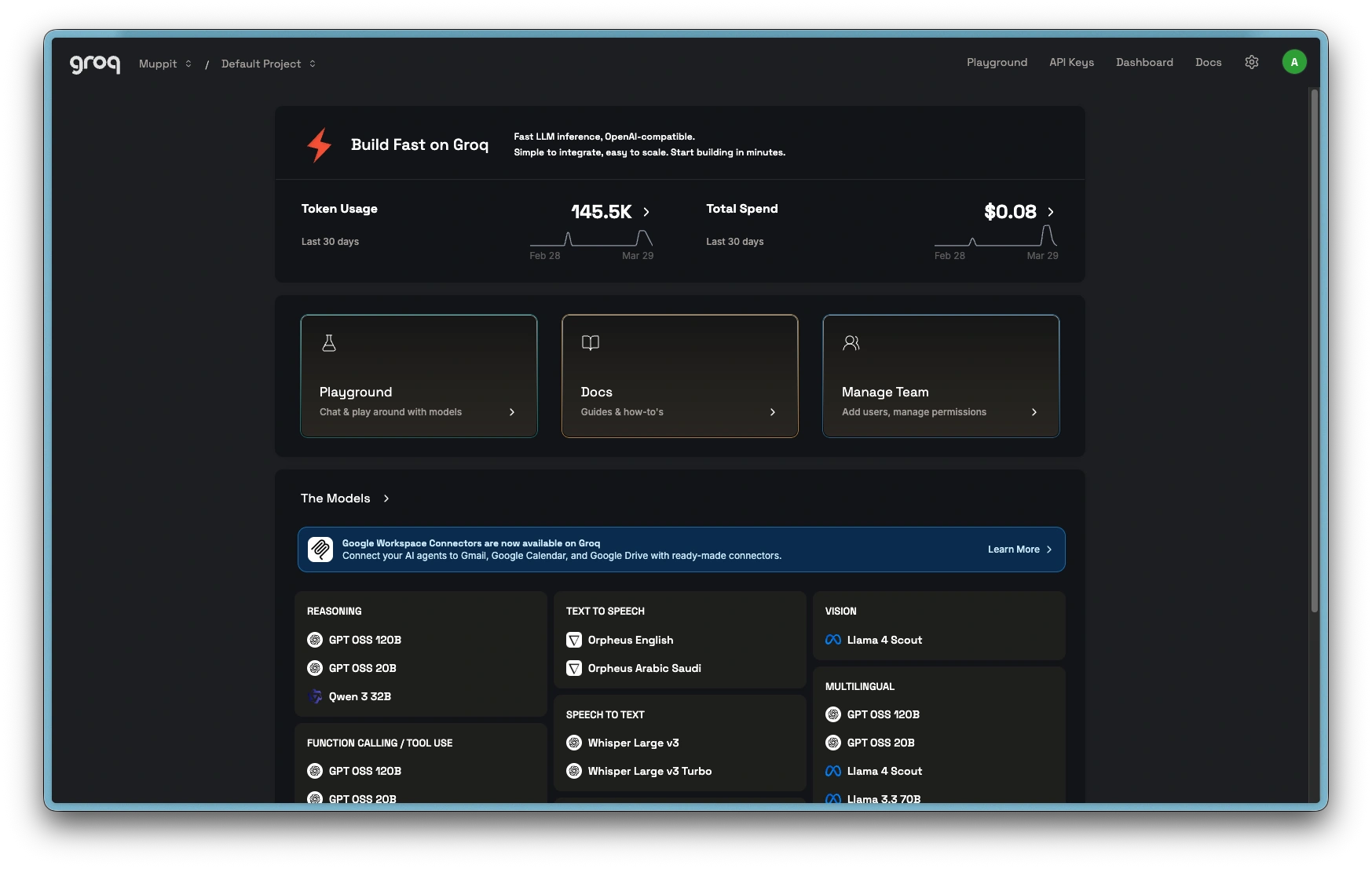
Groq dashboard
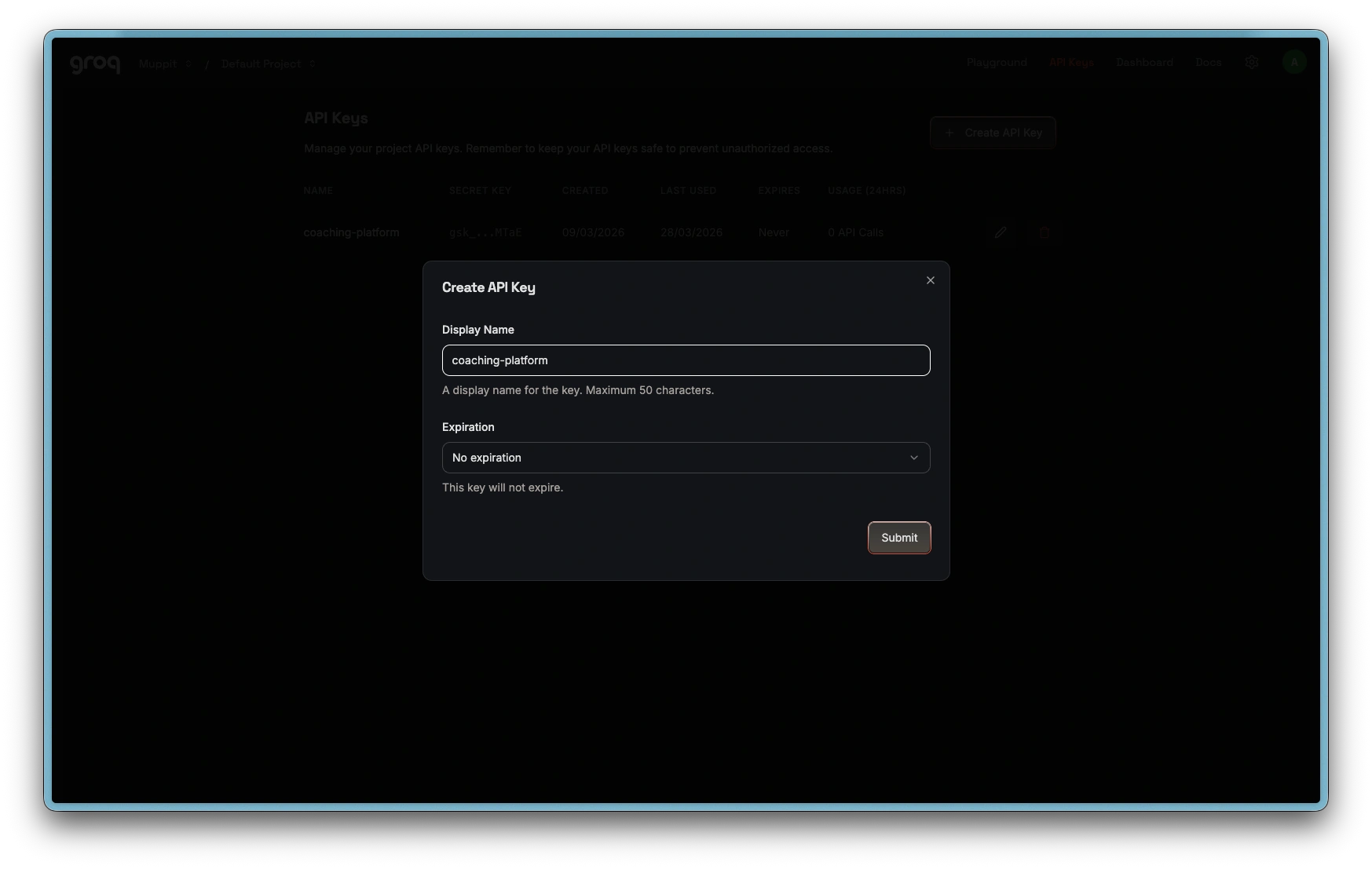
Create API key
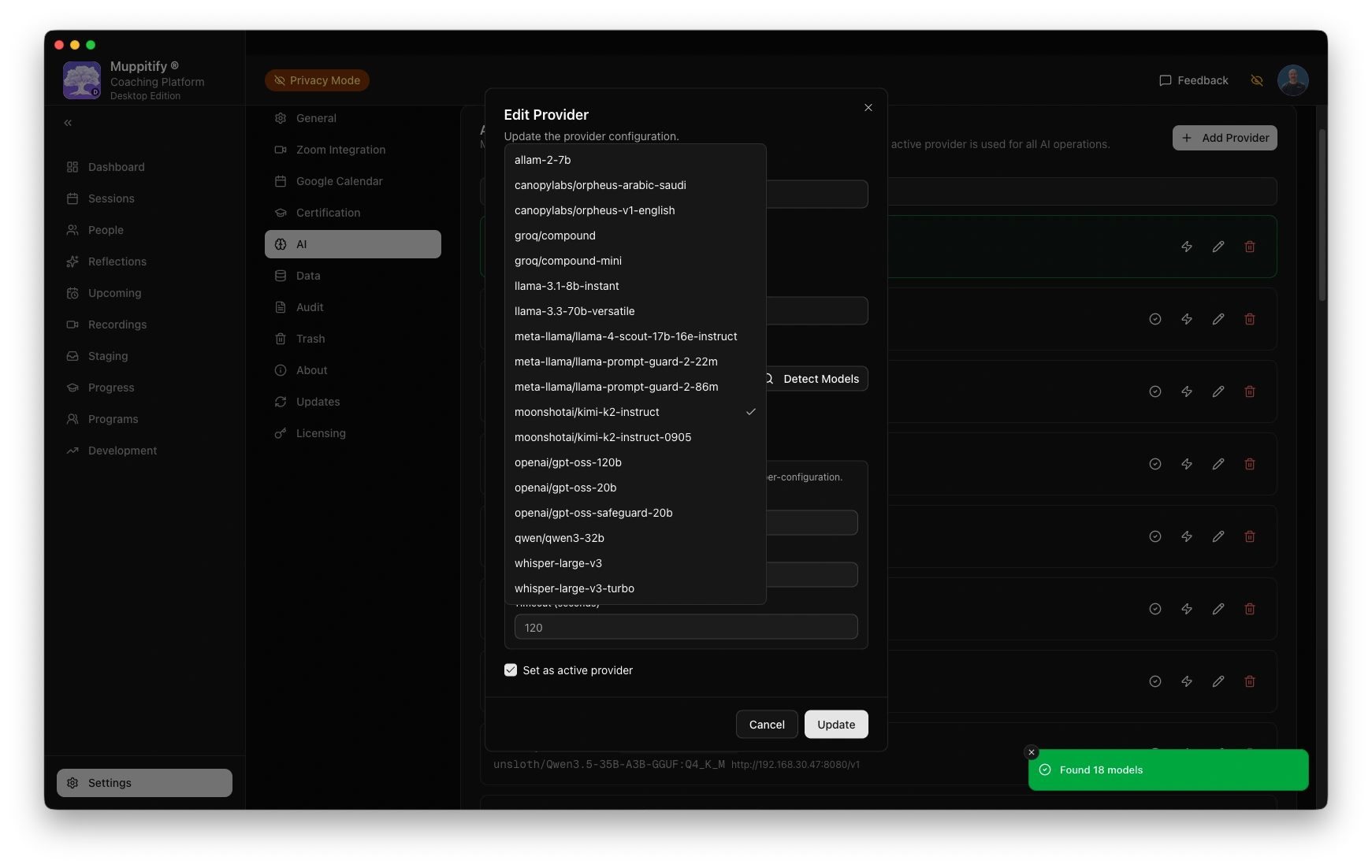
Add Groq provider and model
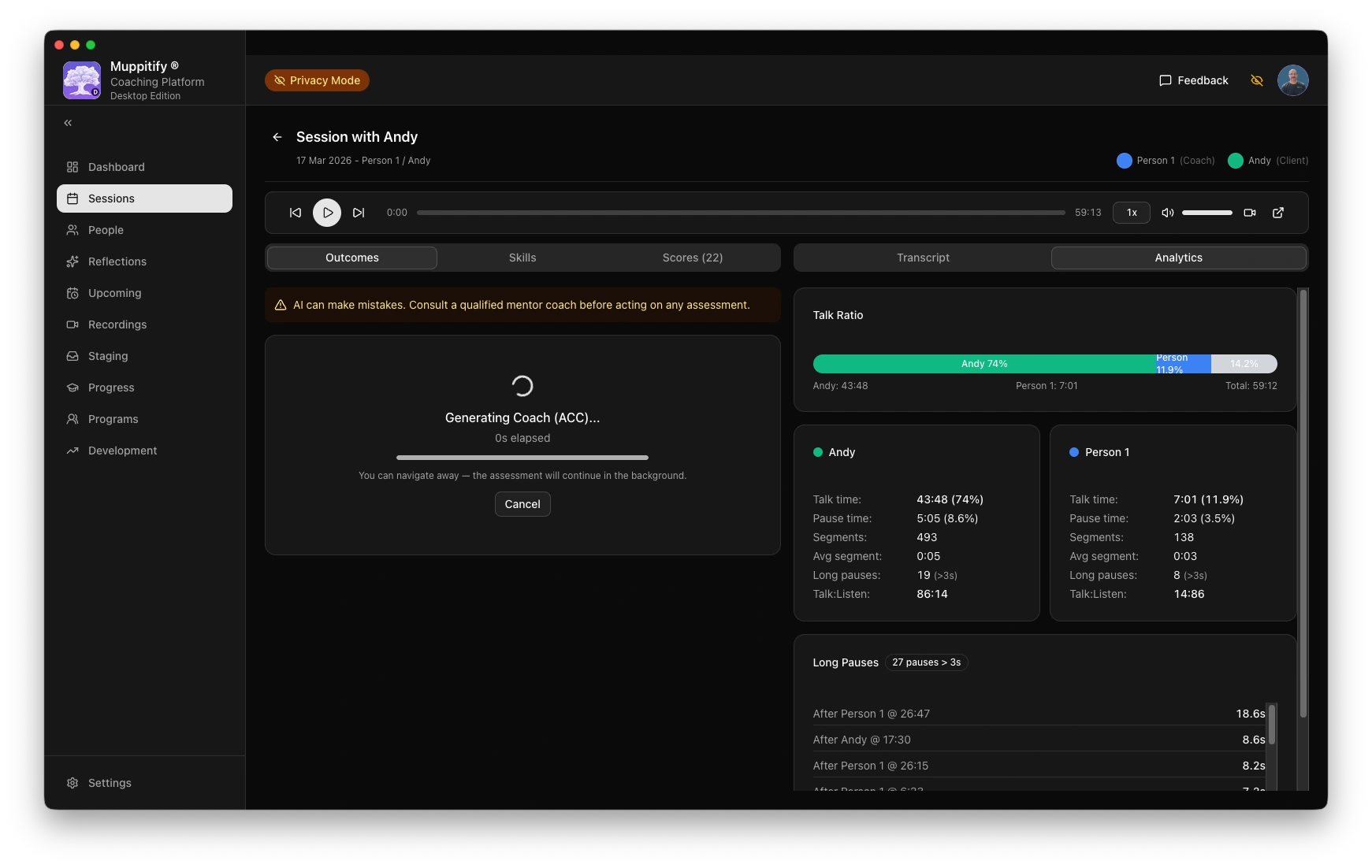
Start ACC AI analysis
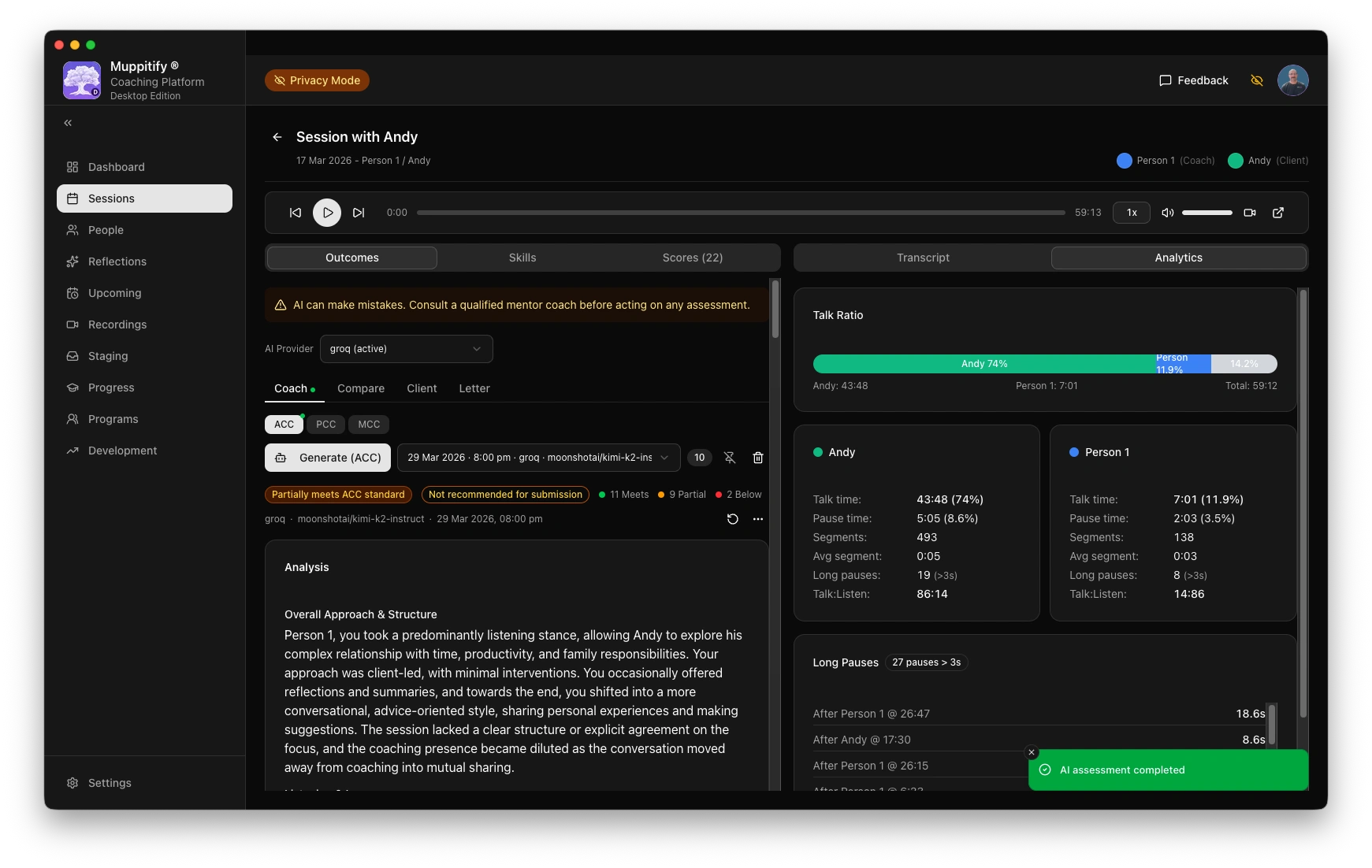
AI assessment completed
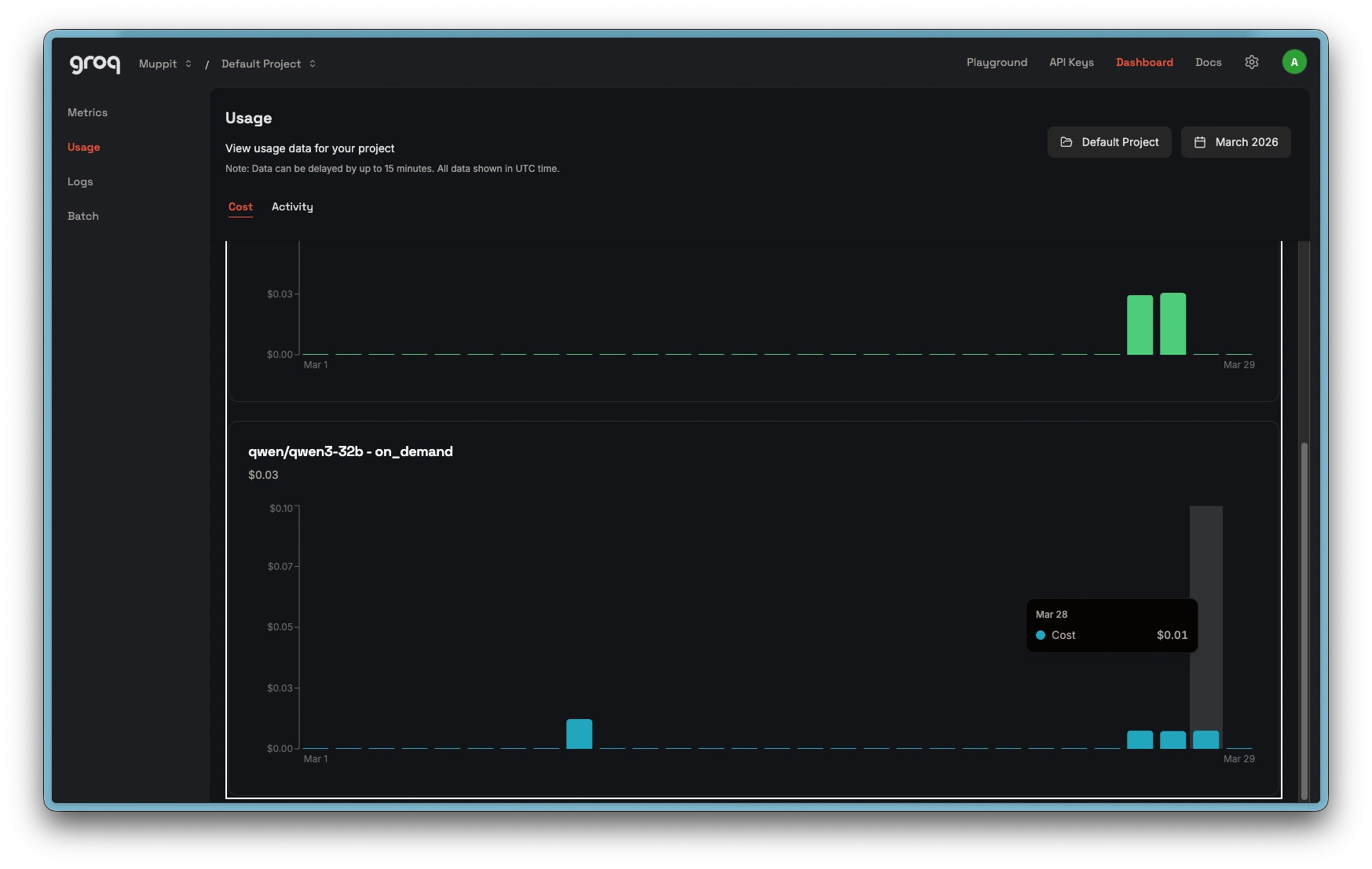
Groq usage costs
Step 1: Create a Groq account
- Go to console.groq.com
- Click Sign up
- Create an account with your email address, or sign in with Google or GitHub
Step 2: Create an API key
- In the Groq console, go to API Keys in the left sidebar
- Click Create API Key
- Give it a name (e.g. "Coaching Platform")
- Copy the key immediately. It will not be shown again.
If you lose the key, you can always create a new one and update it in the coaching platform.
Step 3: Configure the coaching platform
- Open the coaching platform and go to Settings > AI
- Select Groq as your provider
- Paste your API key into the API Key field
- Choose a model. See Choosing a model for recommendations. Groq hosts open-source models including Llama, Mixtral, and Qwen variants.
- Click Save
To test the connection, open any session with a recording and transcript, then click Generate AI Assessment.
Groq's custom hardware (Language Processing Units) delivers some of the fastest inference speeds available. Assessments typically complete in seconds rather than minutes. The trade-off is that assessment quality depends entirely on the open-source model you choose.
Groq's free tier allows 6,000 to 12,000 tokens per minute depending on the model. A coaching transcript alone exceeds this. You need the Groq Developer tier (paid) to run assessments. See API limits for details on all providers.
Troubleshooting
"API key invalid" error
Verify the key is correct. Go to API Keys in the Groq console and check that the key exists and has not been revoked. If in doubt, create a new key and update it in the coaching platform.
"Rate limit exceeded" error
You have exceeded the free tier rate limits. Wait a few minutes and try again, or upgrade to a paid plan for higher limits.
Assessment quality concerns
Assessment quality depends on the model Groq is running. Open-source models vary in their ability to produce rigorous, honest coaching feedback. If assessments seem shallow or overly positive, try a reasoning model from another provider. See Choosing a model for a detailed comparison.