OpenAI setup
OpenAI provides cloud-based AI models that the coaching platform uses to analyse your coaching transcripts and generate ICF competency assessments. You need an OpenAI account and an API key. Usage is pay-as-you-go; a typical coaching assessment costs a few cents per session.
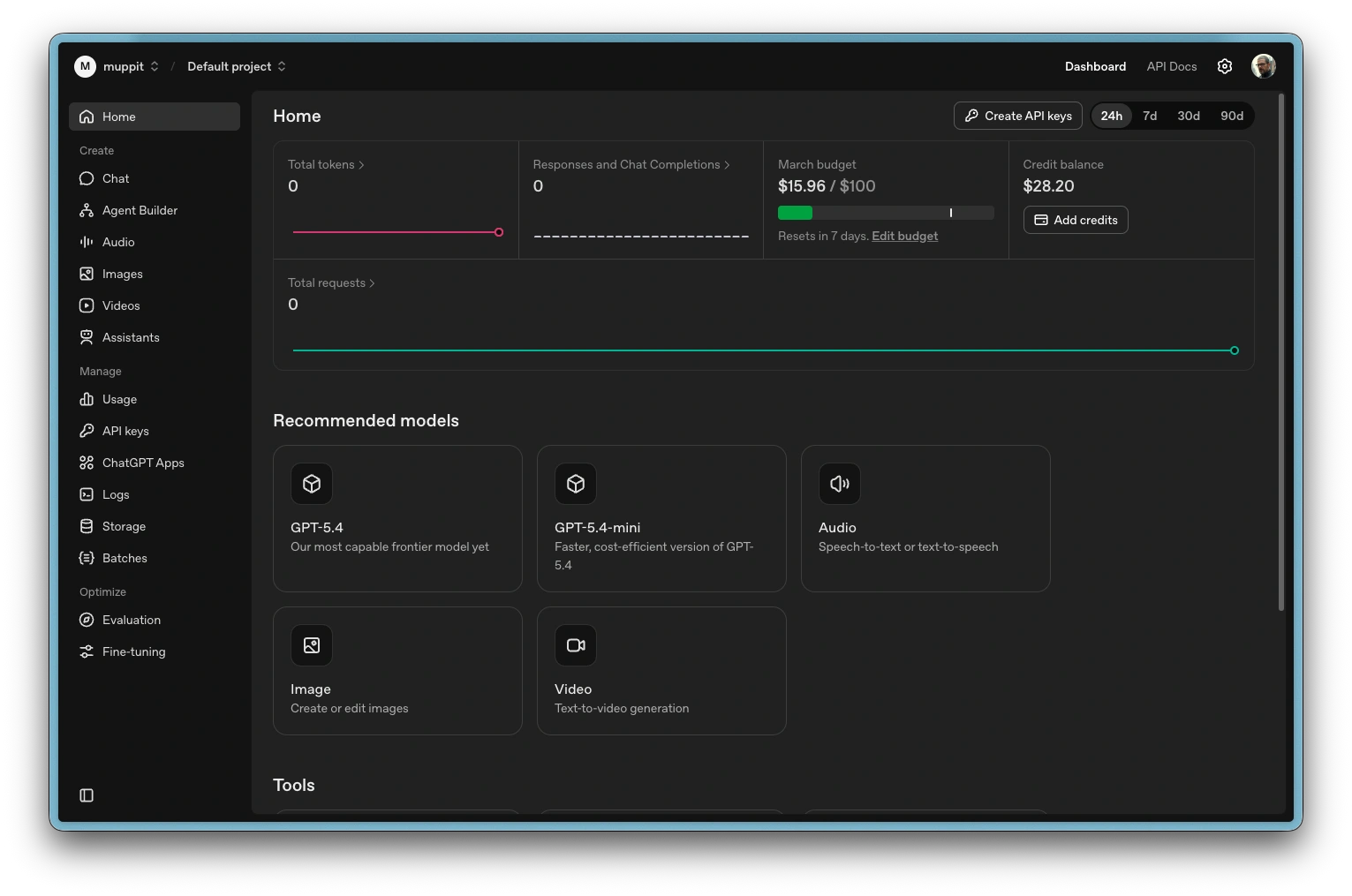
OpenAI Developer Web GUI
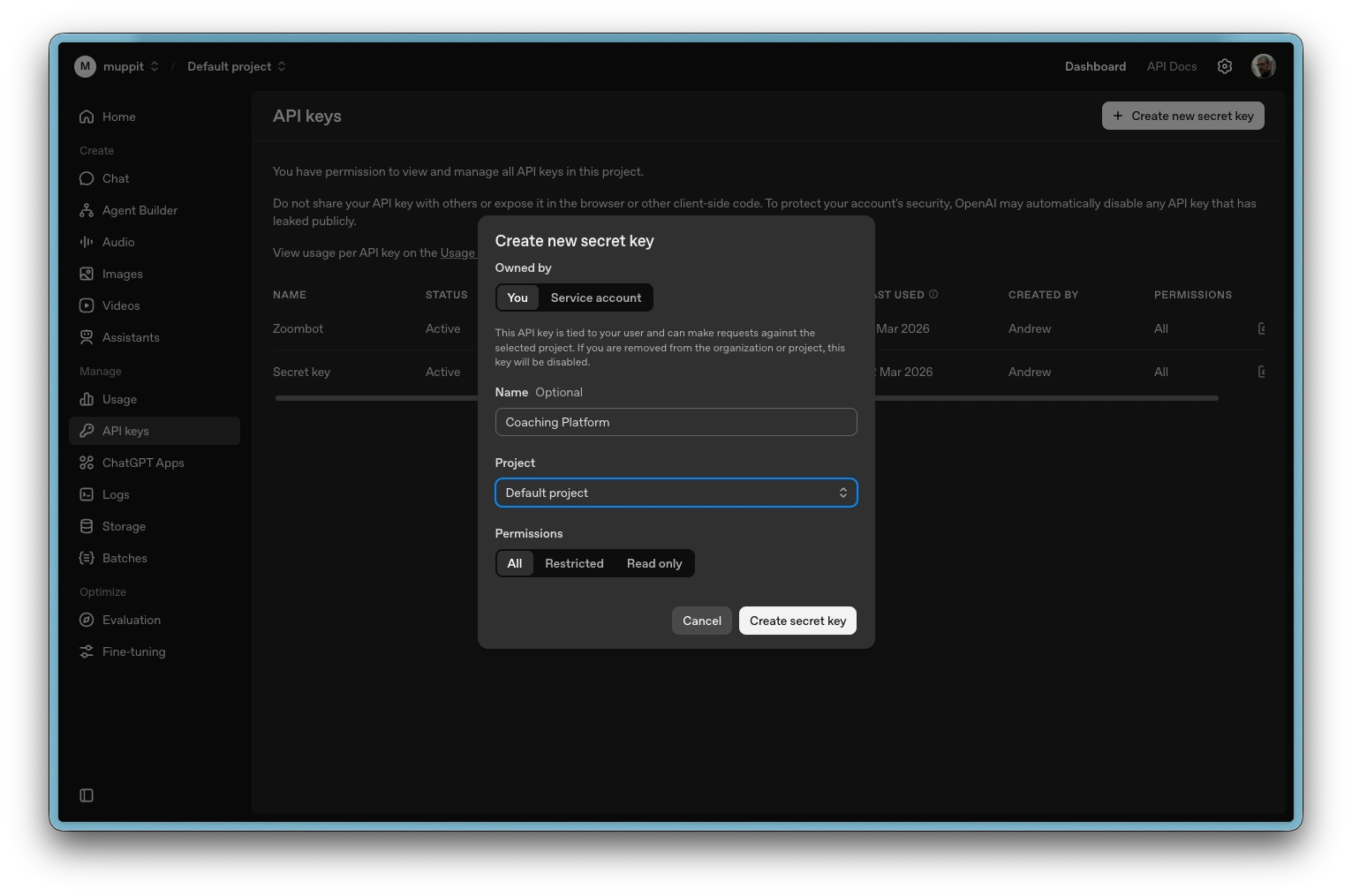
Create new secret key
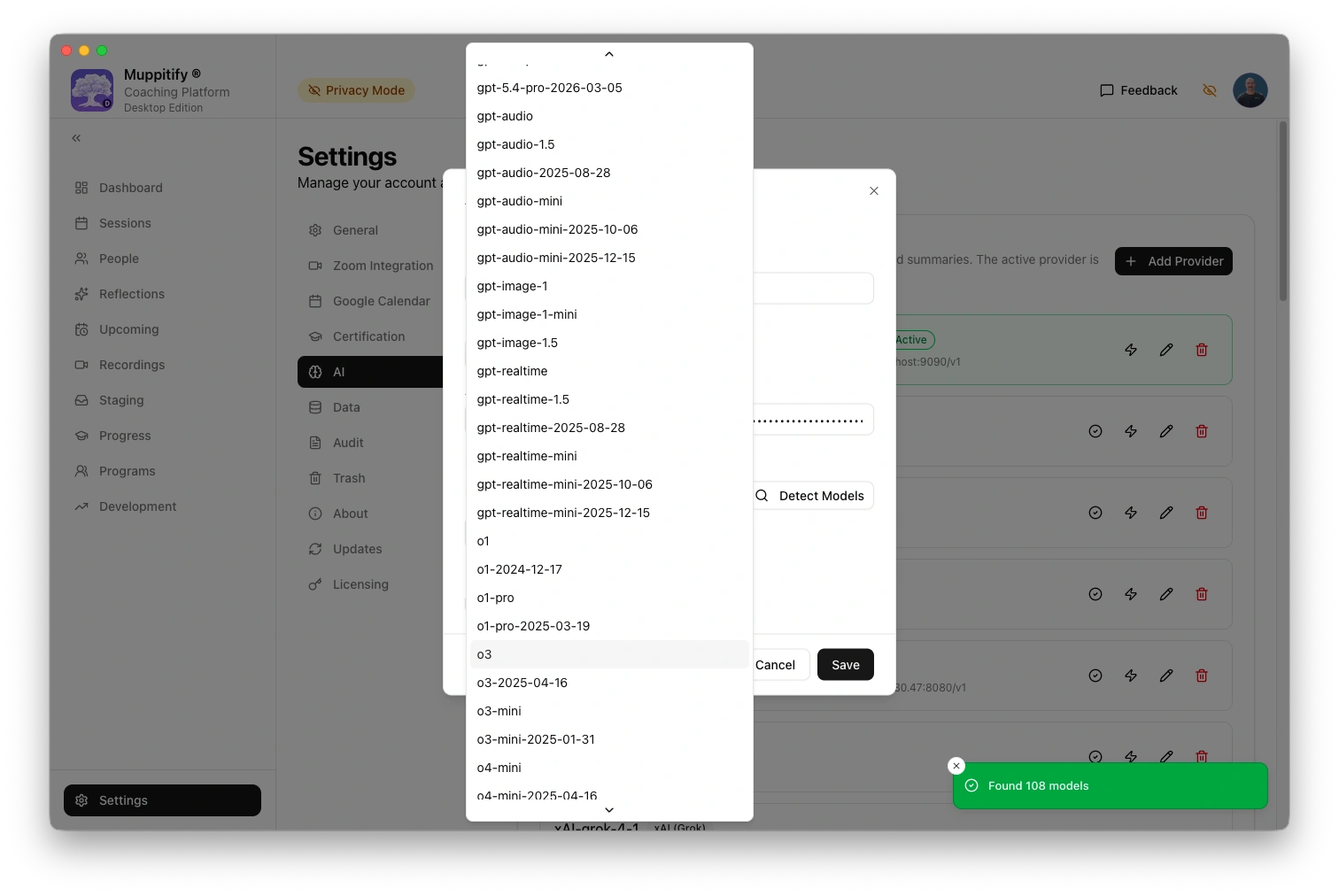
Add AI provider and select model
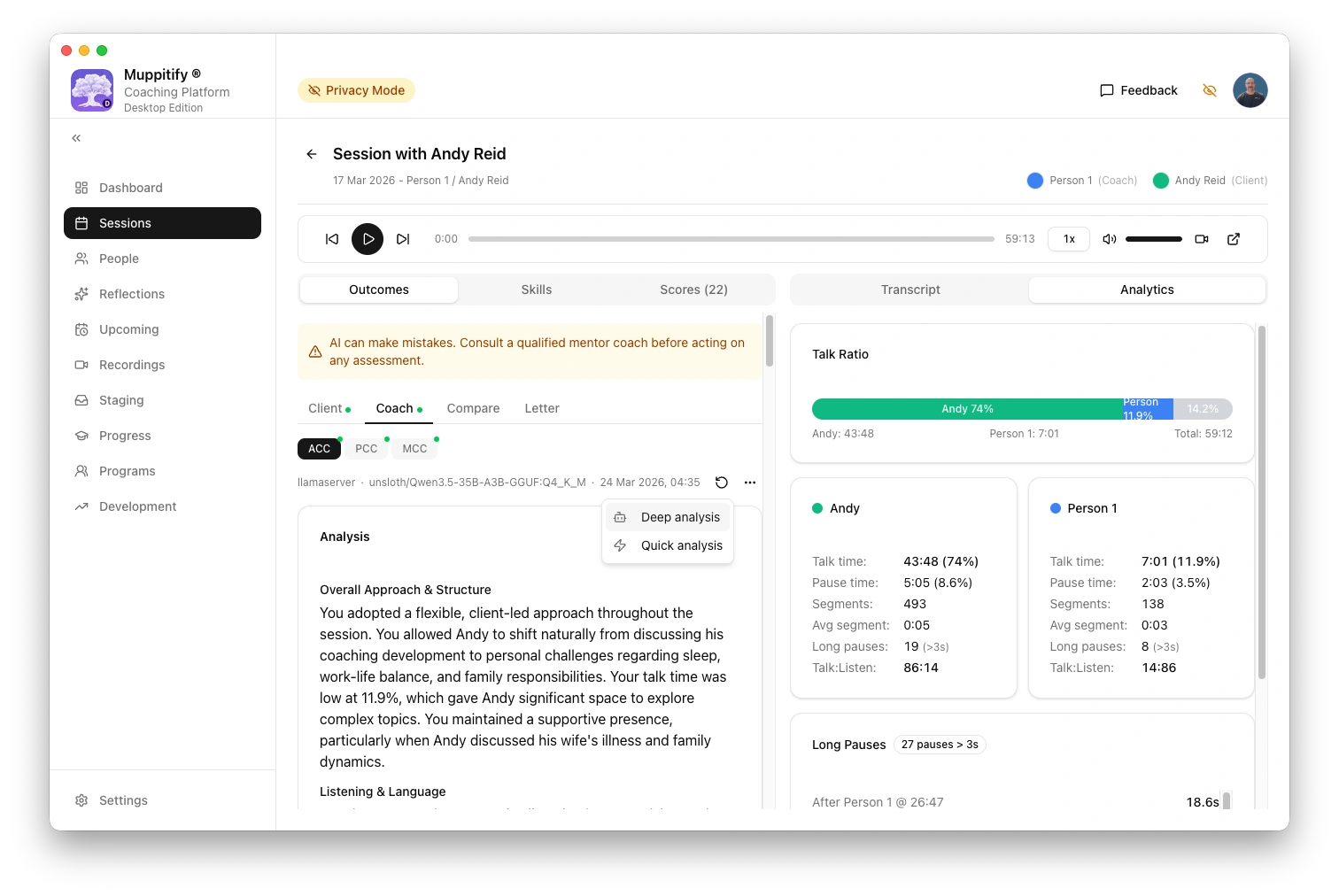
Start deep AI analysis
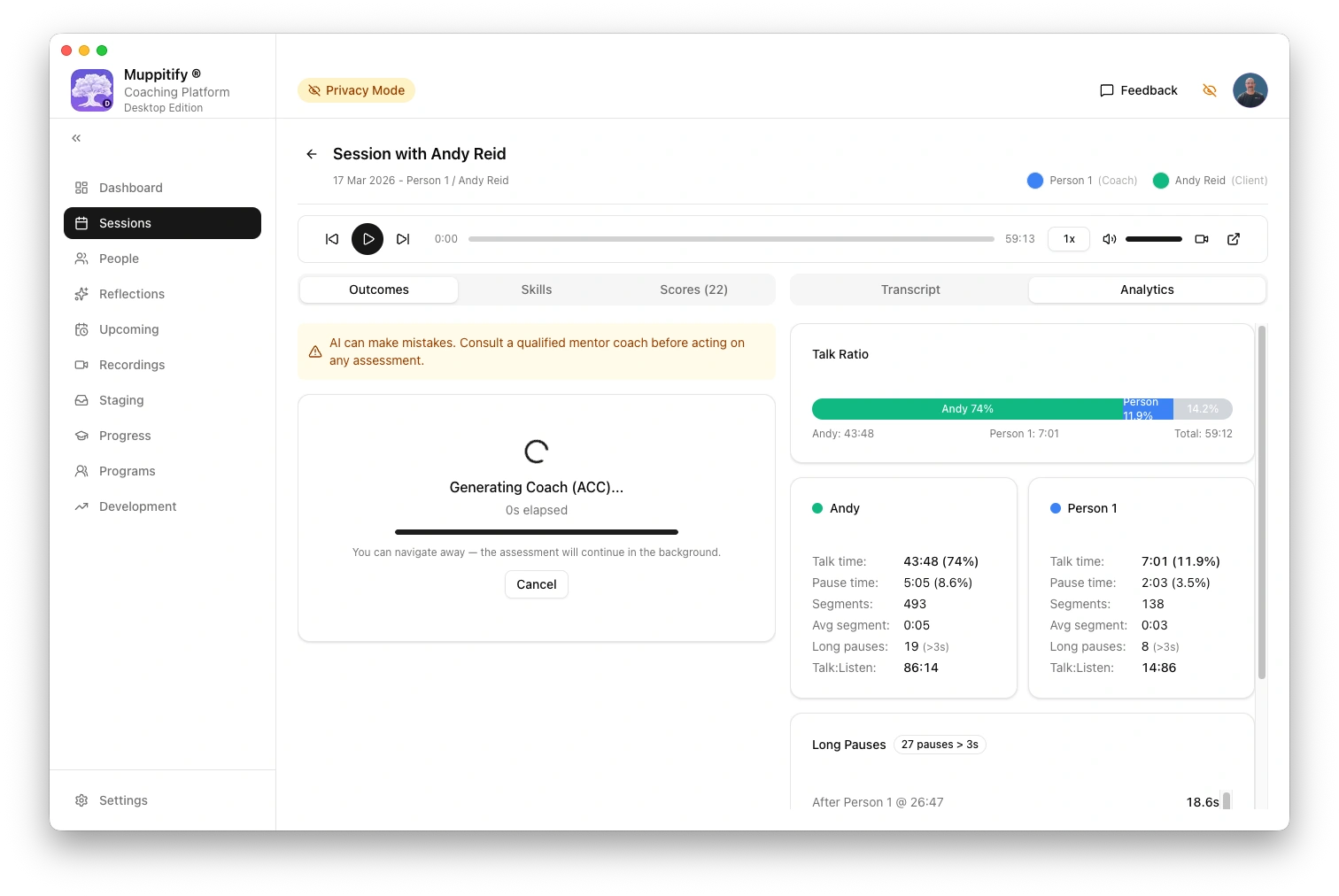
Generating coach ACC analysis
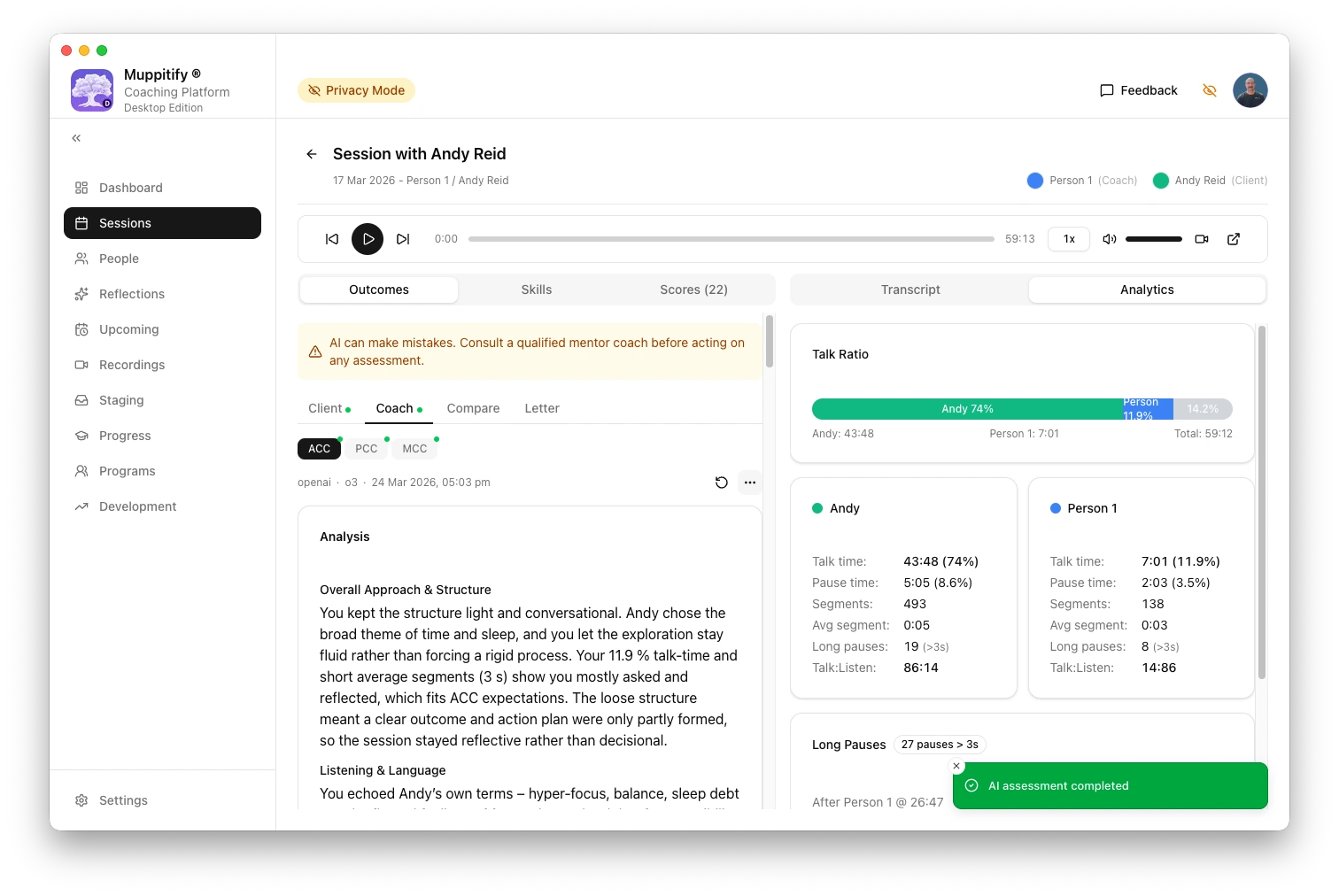
AI assessment completed
Step 1: Create an OpenAI account
- Go to platform.openai.com
- Click Sign up
- Create an account with your email address, or sign in with Google, Microsoft, or Apple
This is the OpenAI developer platform, separate from ChatGPT. If you already have a ChatGPT account, you can use the same login.
Step 2: Add a payment method
- Once signed in, click your profile icon in the top-right corner
- Go to Settings > Billing
- Click Add payment method and enter your card details
OpenAI API access requires a payment method, even if you only plan to use a small amount. You are only charged for what you use.
Under Billing > Limits, you can set a monthly budget to avoid unexpected charges. A limit of $5 to $10 per month is more than enough for most coaching use.
Step 3: Create an API key
- Go to platform.openai.com/api-keys
- Click Create new secret key
- Give it a name (e.g. "Coaching Platform")
- Click Create secret key
- Copy the key immediately. It will not be shown again.
If you lose the key, you can always create a new one and update it in the coaching platform.
Step 4: Configure the coaching platform
- Open the coaching platform and go to Settings > AI
- Select OpenAI as your provider
- Paste your API key into the API Key field
- Choose a model. See Choosing a model for recommendations. o3-mini is a good starting point for honest, critical feedback at a low cost.
- Click Save
To test the connection, open any session with a recording and transcript, then click Generate AI Assessment.
A typical coaching assessment costs a few cents per session with o3-mini. You can monitor your usage at platform.openai.com/usage and set monthly spending limits under Billing > Limits.
For context windows, output token budgets, and rate limits, see API limits.
Troubleshooting
"API key invalid" error
Verify the key is correct. Go to platform.openai.com/api-keys and check that the key exists and has not been revoked. If in doubt, create a new key and update it in the coaching platform.
"Insufficient quota" error
Your OpenAI account has run out of credits. Go to Billing in the OpenAI dashboard and add funds or check your spending limit.
Assessment takes a long time
Reasoning models (o3-mini, o3) take longer than general-purpose models because they evaluate each competency systematically. A typical assessment takes 30 to 90 seconds. This is normal.