Perplexity setup
Perplexity provides cloud-based AI models that the coaching platform can use to analyse your coaching transcripts. API access requires a Perplexity Pro subscription.
Perplexity's reasoning model produces specific evidence with timestamps and alternative phrasings, but overall verdicts tend to be more generous than other rigorous providers. Cross-reference results with a more critical model for submission decisions.
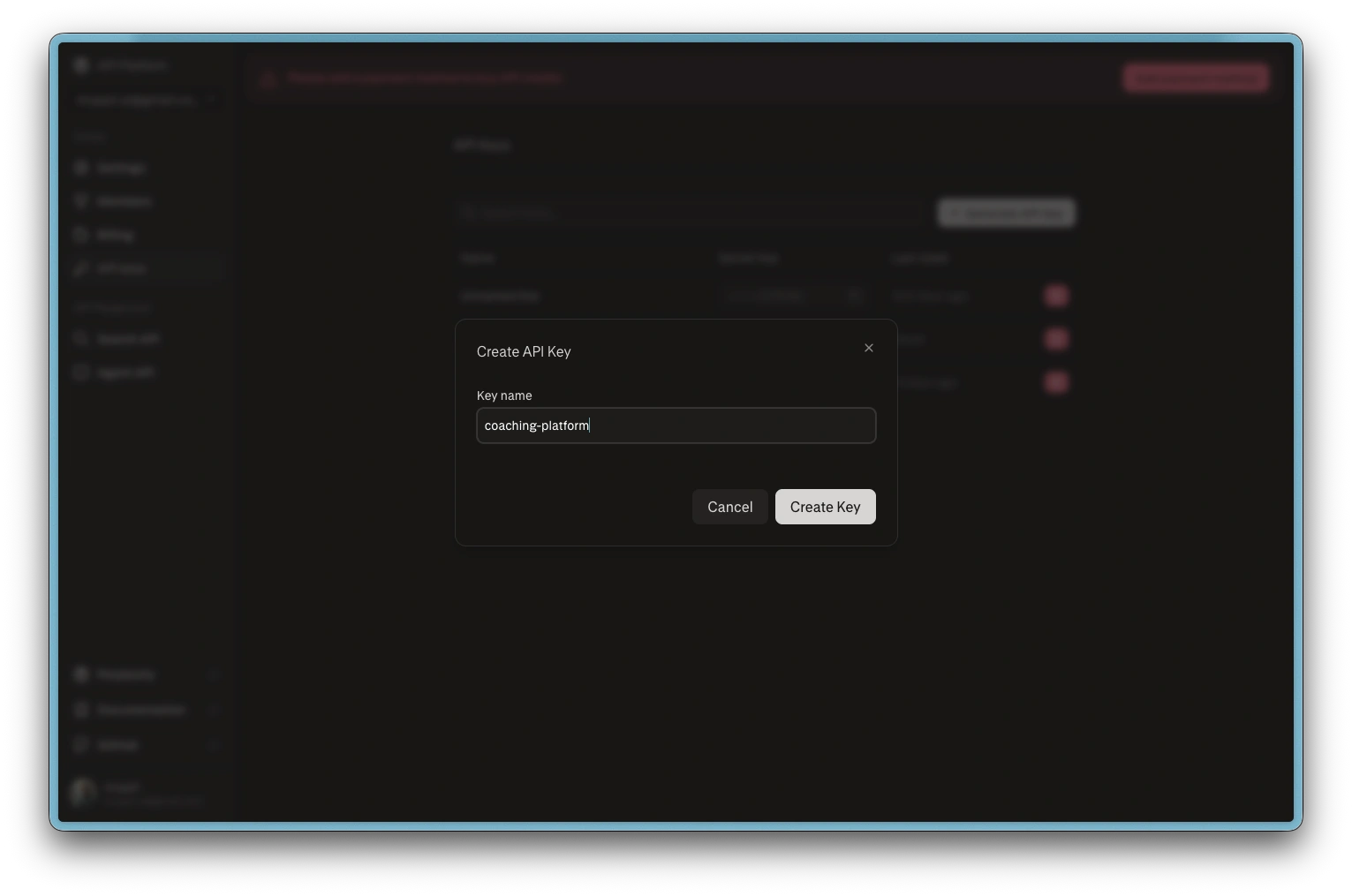
Perplexity create API key
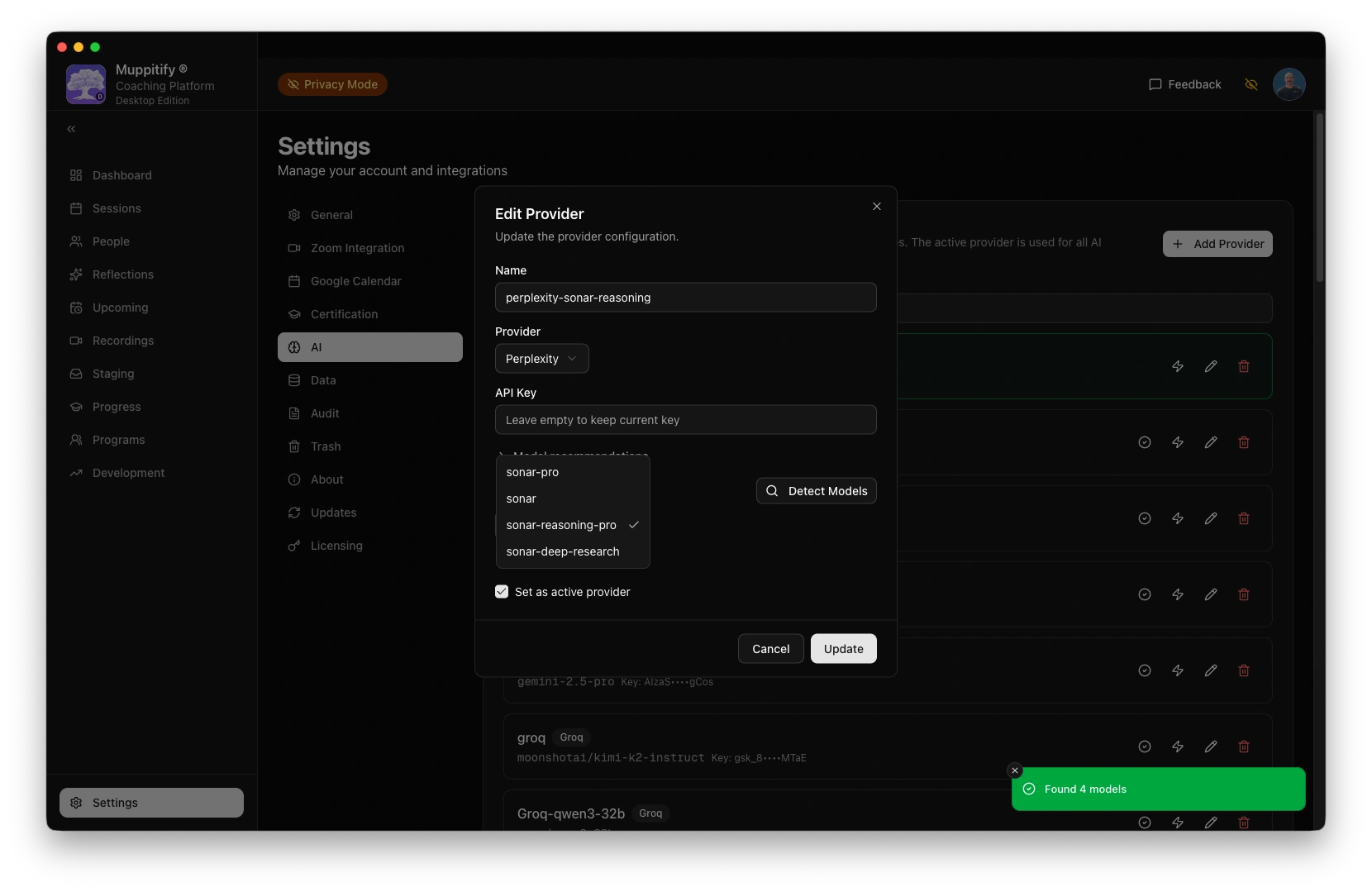
Add Perplexity provider and model
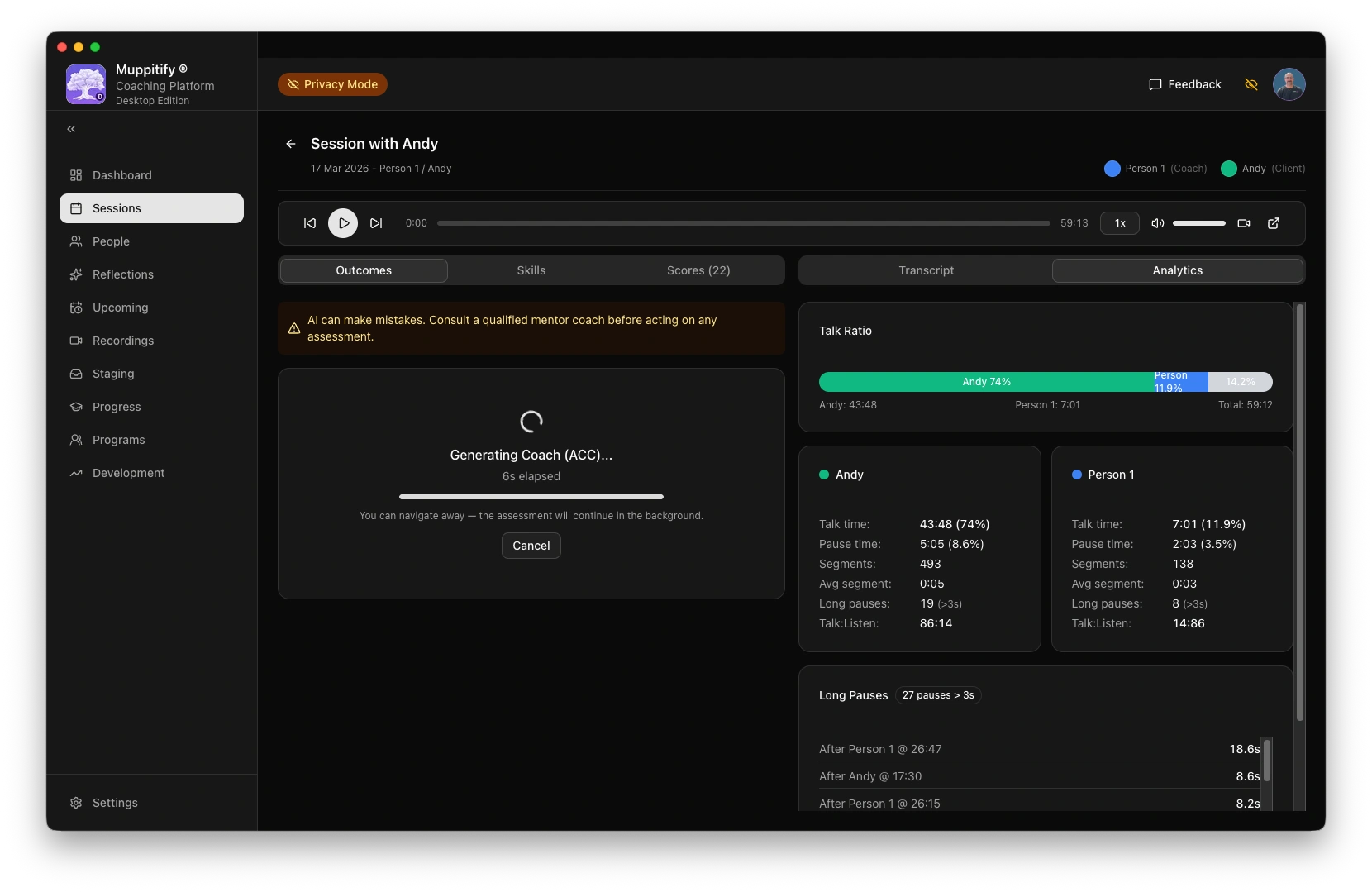
Start ACC AI analysis
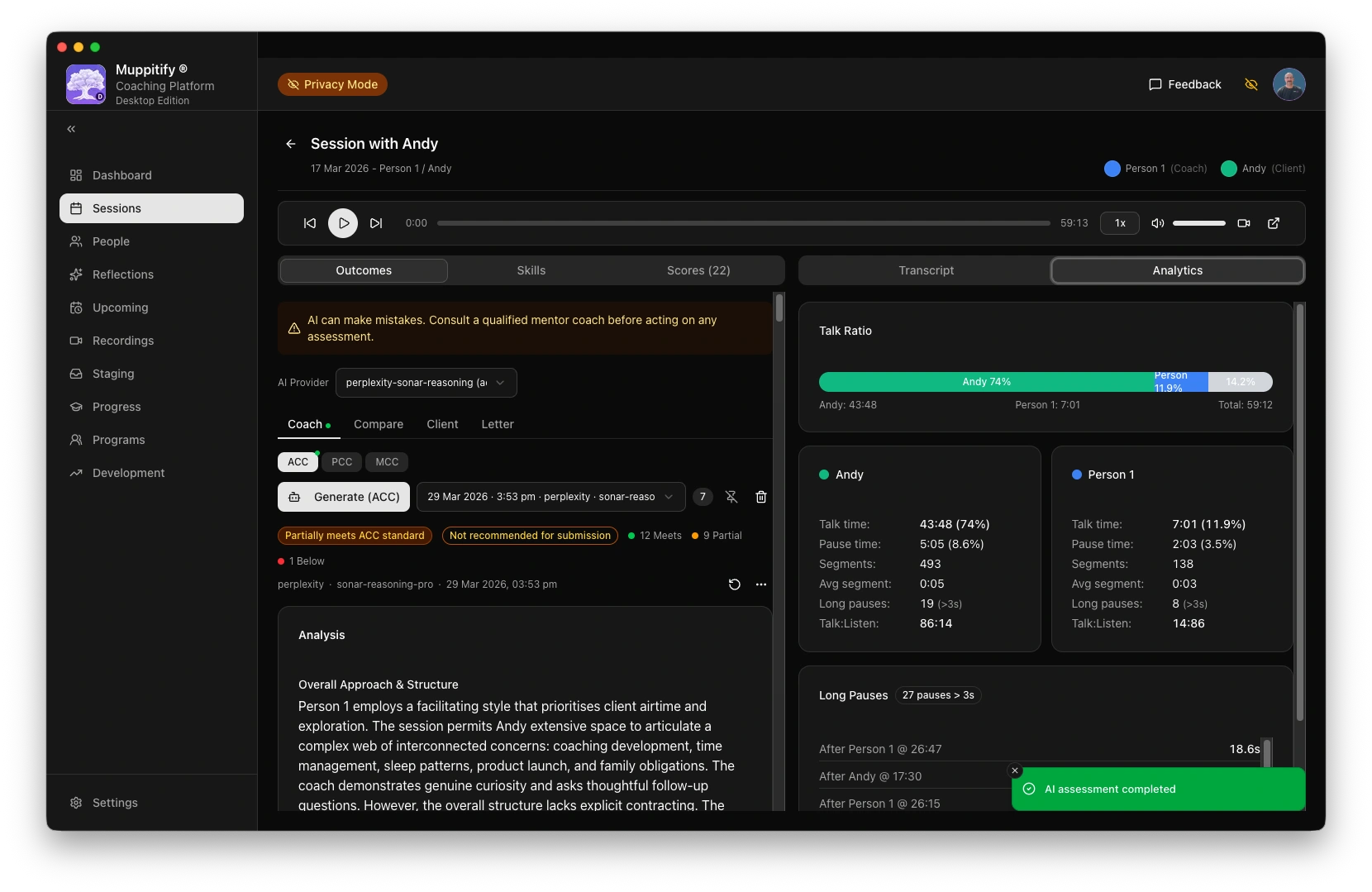
AI assessment completed
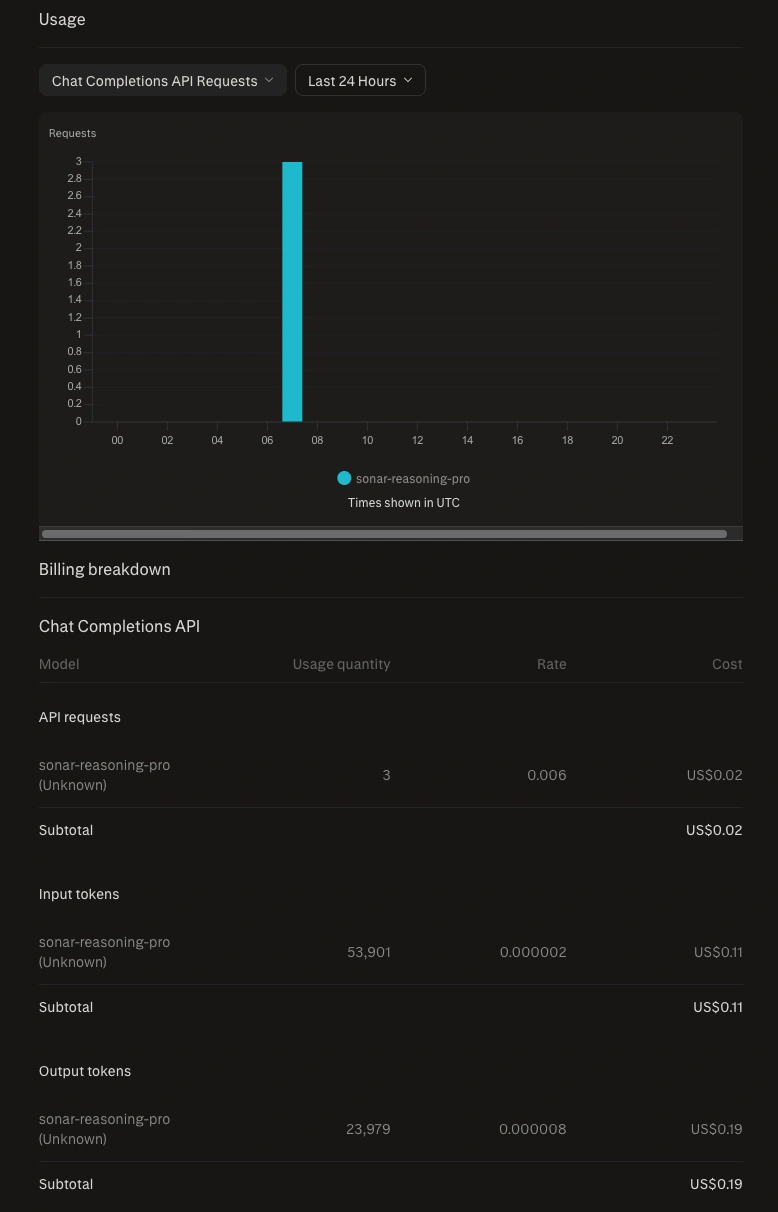
Perplexity usage costs
Step 1: Create a Perplexity account
- Go to perplexity.ai
- Click Sign up
- Create an account with your email address, or sign in with Google or Apple
Step 2: Subscribe to Pro
- Click your profile icon and go to Settings
- Select Subscription
- Subscribe to Perplexity Pro
API access requires a Pro subscription. Without it, you cannot generate API keys.
Step 3: Create an API key
- Go to Settings > API
- Click Generate API key
- Give it a name (e.g. "Coaching Platform")
- Copy the key immediately
Step 4: Configure the coaching platform
- Open the coaching platform and go to Settings > AI
- Select Perplexity as your provider
- Paste your API key into the API Key field
- Choose a model. See Choosing a model for recommendations. sonar-reasoning-pro is the recommended model.
- Click Save
To test the connection, open any session with a recording and transcript, then click Generate AI Assessment.
Perplexity's sonar-reasoning-pro provides specific evidence but tends to produce more generous overall verdicts than Claude Sonnet or OpenAI o-series. In testing, it rated a session as "genuinely PCC-level" while other rigorous models assessed the same session as "not yet ready." Cross-reference with a more rigorous model before acting on submission recommendations.
sonar-reasoning was deprecated in December 2025. Use sonar-reasoning-pro instead.
For context windows, output token budgets, and rate limits, see API limits.
Troubleshooting
"API key invalid" error
Verify the key is correct. Go to Settings > API in your Perplexity account and check that the key exists. If in doubt, create a new key and update it in the coaching platform.
"Unauthorized" or "Forbidden" error
API access requires a Perplexity Pro subscription. Check that your subscription is active in Settings > Subscription.
Assessment seems overly positive
This is a known characteristic of Perplexity's models. They provide good specific evidence but overall verdicts lean optimistic. For reliable submission decisions, cross-reference with OpenAI or Anthropic. See Choosing a model for a detailed comparison.